refer to: https://portal.azure.com/#view/Microsoft_Azure_Marketplace/GalleryItemDetailsBladeNopdl/id/Microsoft.CognitiveServicesOpenAI/selectionMode~/false/resourceGroupId//resourceGroupLocation//dontDiscardJourney~/false/selectedMenuId/home/launchingContext~/%7B%22galleryItemId%22%3A%22Microsoft.CognitiveServicesOpenAI%22%2C%22source%22%3A%5B%22GalleryFeaturedMenuItemPart%22%2C%22VirtualizedTileDetails%22%5D%2C%22menuItemId%22%3A%22home%22%2C%22subMenuItemId%22%3A%22Search%20results%22%2C%22telemetryId%22%3A%22b7c84889-15f3-4225-a316-be201ac229ee%22%7D/searchTelemetryId/98e52321-d928-4f55-bb0e-0d1b639bfe20
1. 注册azure 账号 (microsoft )
2. 似乎要用信用卡认证一下
3. 进入到 azure, market, 搜索 openai
4. 点击create
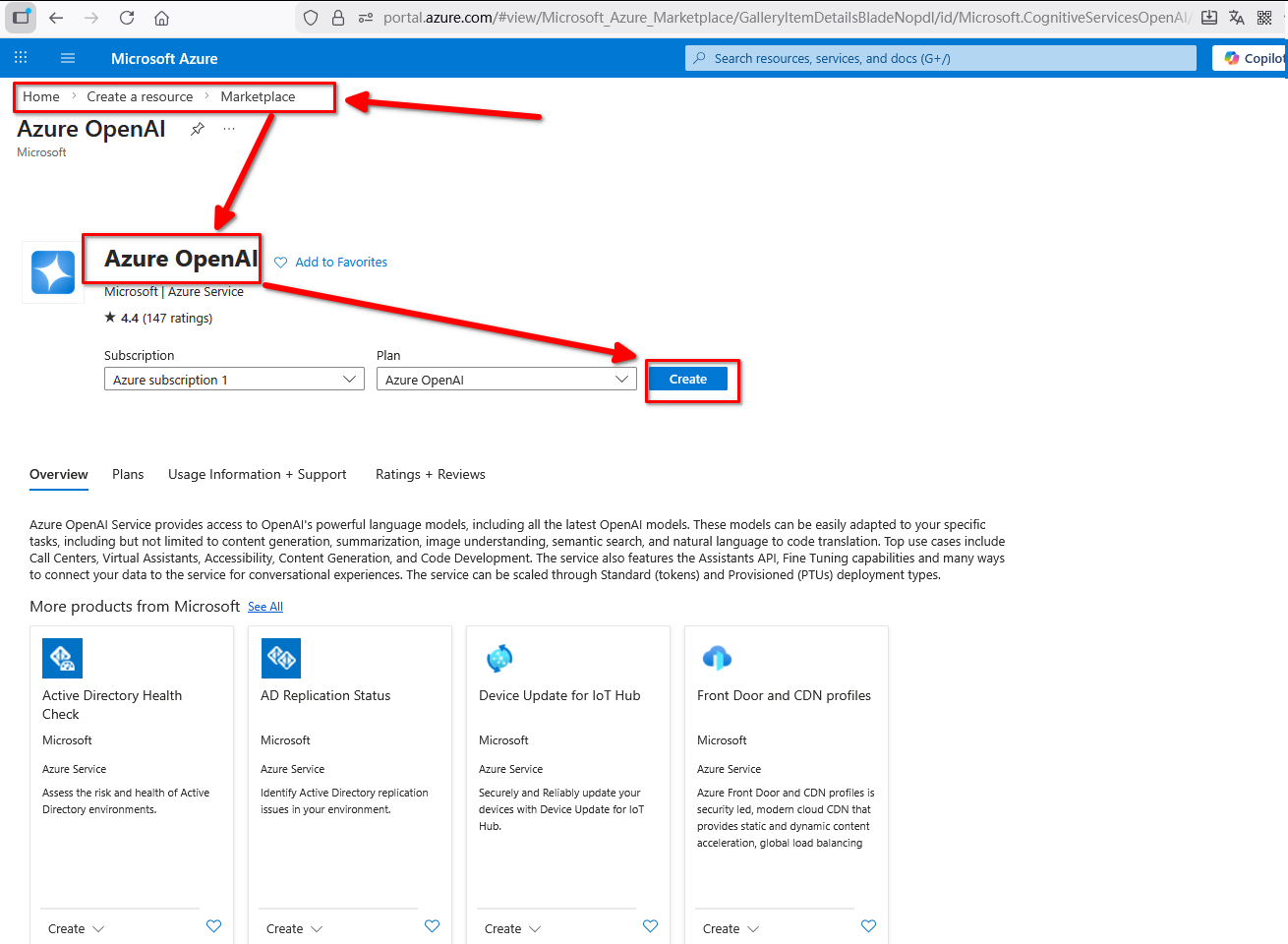
create:
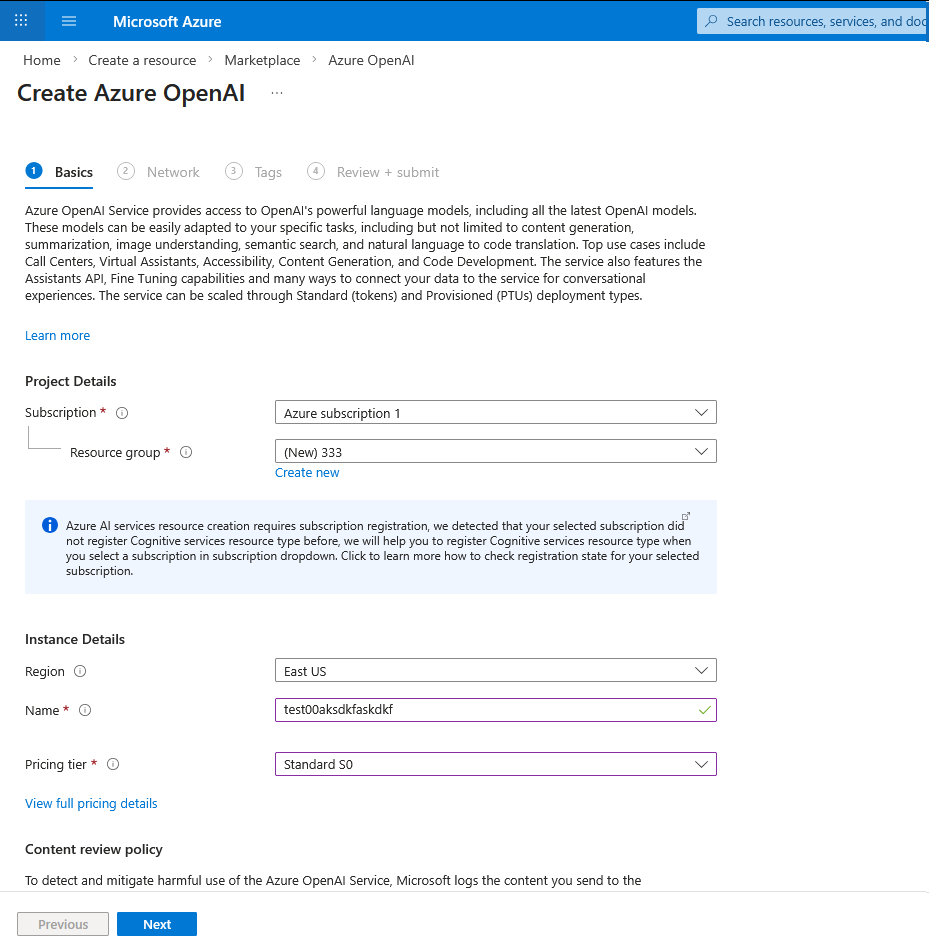
一路next:
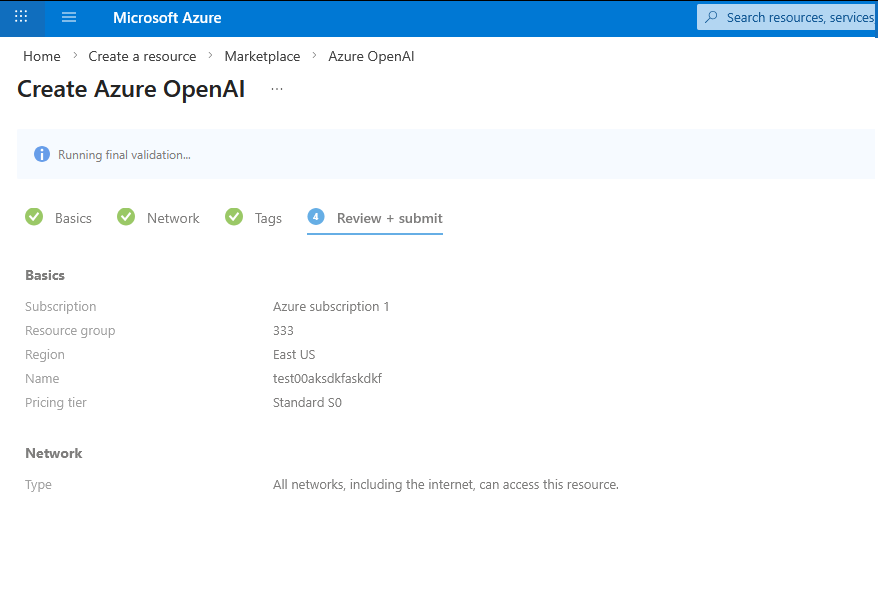
然后可以看到对应的URL 和 KEY。
后面我就没做了。