ai - (不建议看了) comfyui 从头搭建 comfy ui CPU版本。
访问量: 80
今天下载了comfyui,记录下过程:
refer to:
https://www.zhihu.com/question/5951740610,
知乎的安装教程: https://www.zhihu.com/question/5951740610
1. 需要一个nvidia GPU。 这一点对国产显卡不友好,希望以后可以手动安装时支持
2. 到官网:
https://github.com/comfyanonymous/ComfyUI
3. 进入到下载页(windows app) :
https://www.comfy.org/download
5. 安装好windows git后,安装 comfyui-setup.exe 即可。
我选择了自动安装,N卡给我省了好多事。我的这个应该是4G 1080?
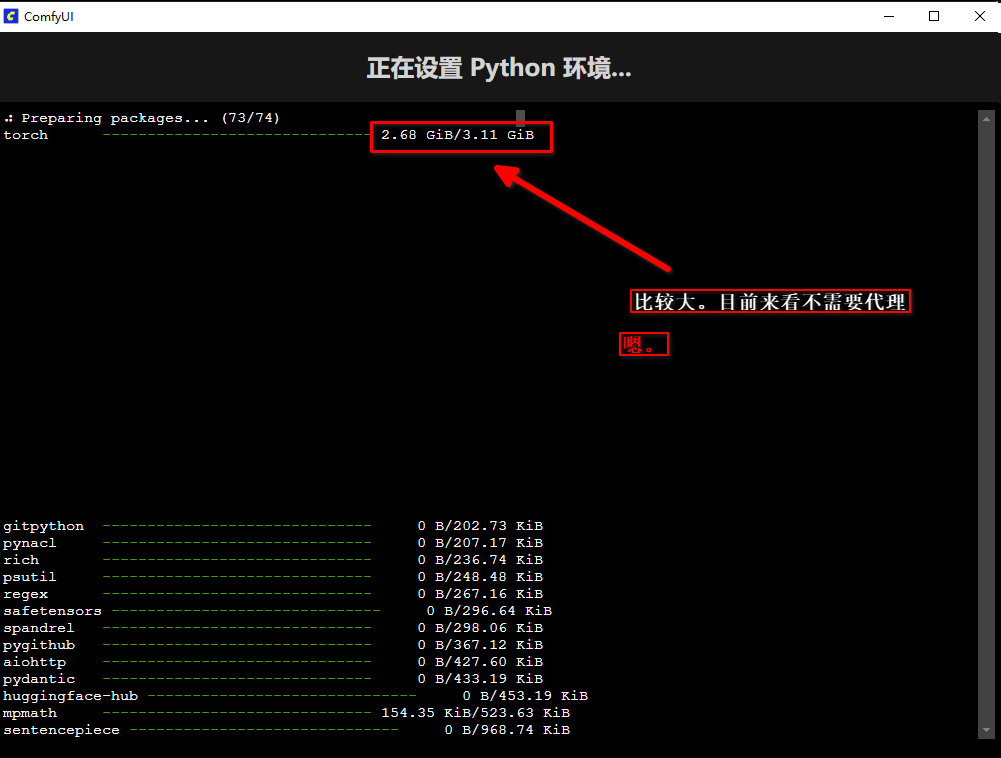
报错了,看了日志,显卡太古老, 不支持
[2025-05-31 17:03:31.828] [error] torch._C._cuda_init()
RuntimeError: The NVIDIA driver on your system is too old (found version 11010). Please update your GPU driver by downloading and installing a new version from the URL: http://www.nvidia.com/Download/index.aspx Alternatively, go to: https://pytorch.org to install a PyTorch version that has been compiled with your version of the CUDA driver.
先试用CPU尝尝鲜
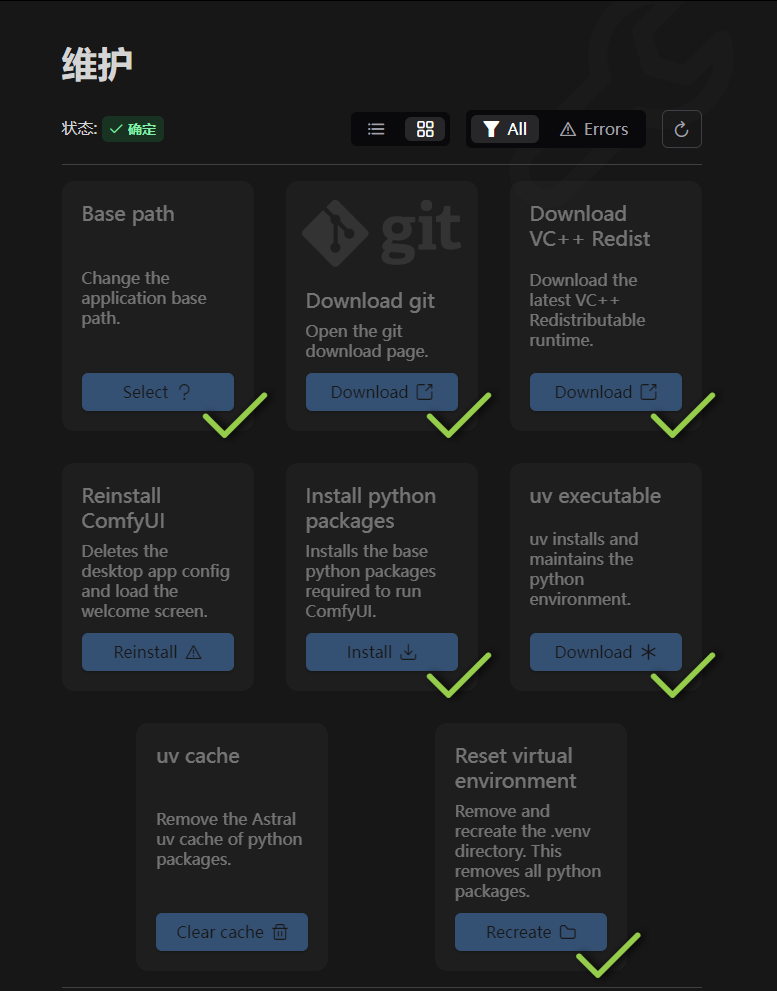
选择重新安装后,进入到下面页面
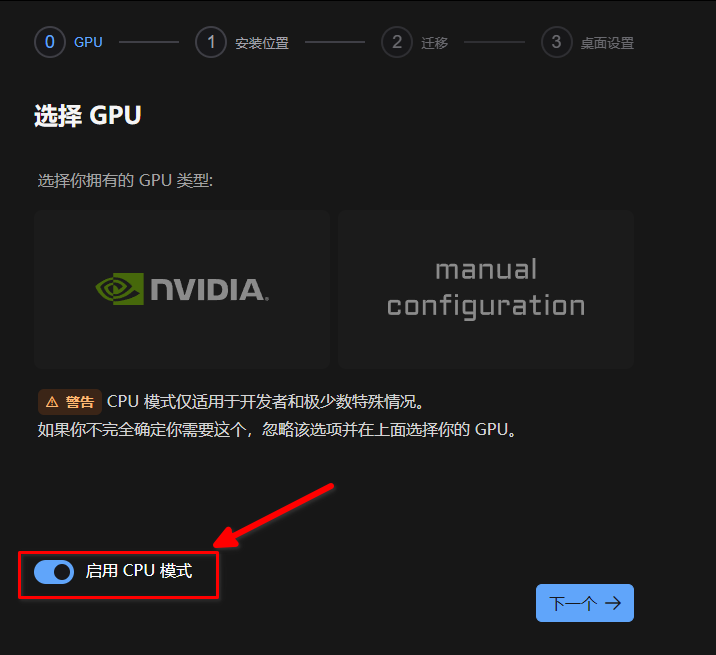
继续
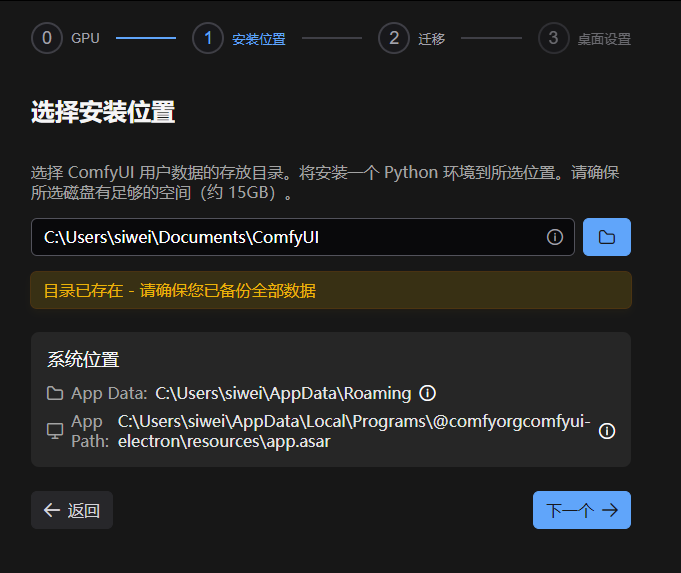
继续
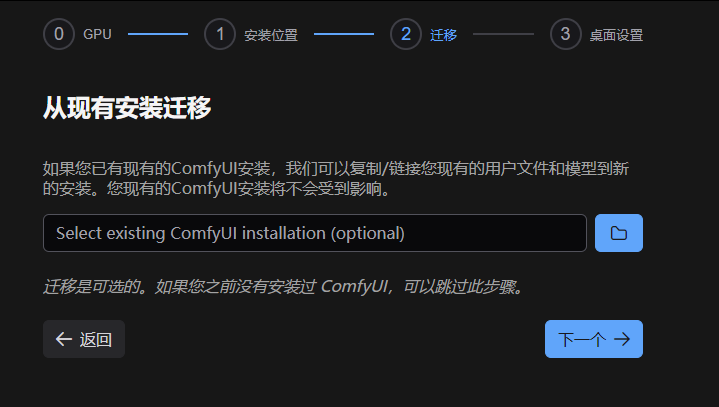
继续下一步。。。启动。。。
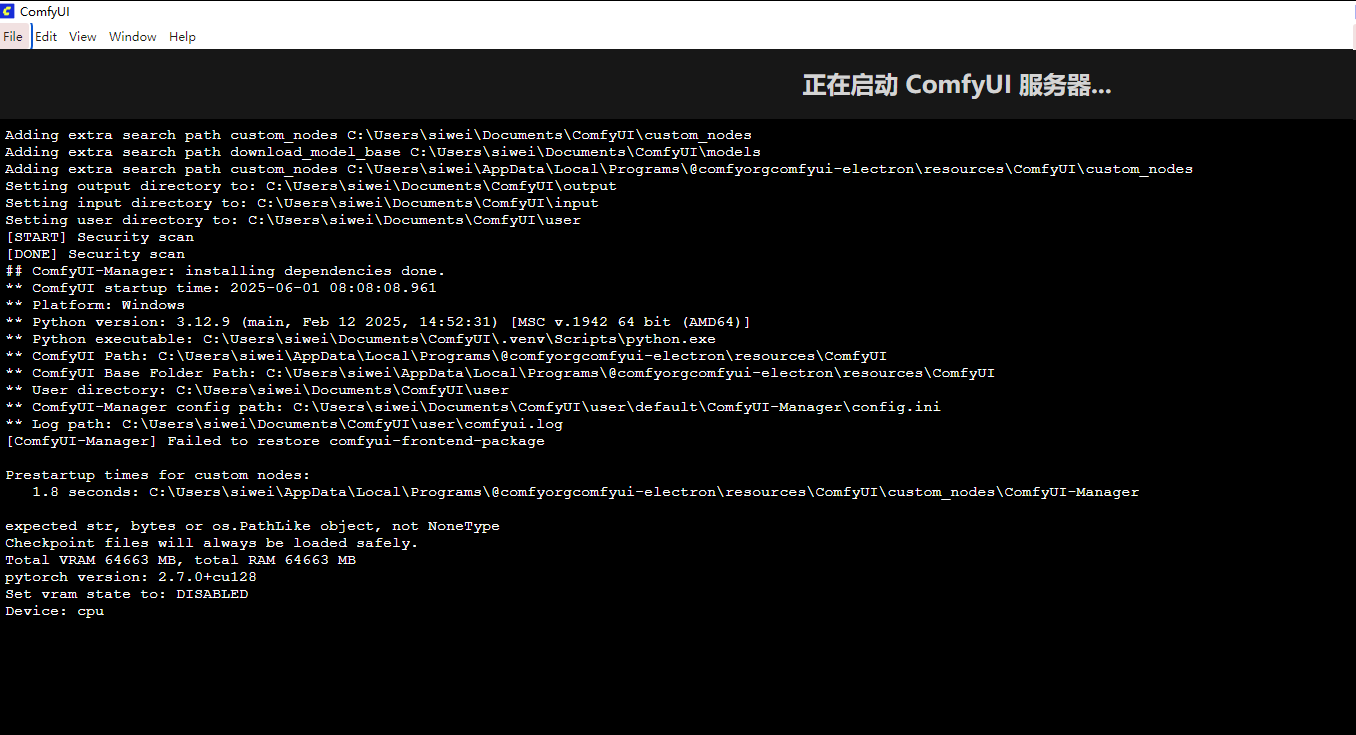
运行了30秒左右,就启动了
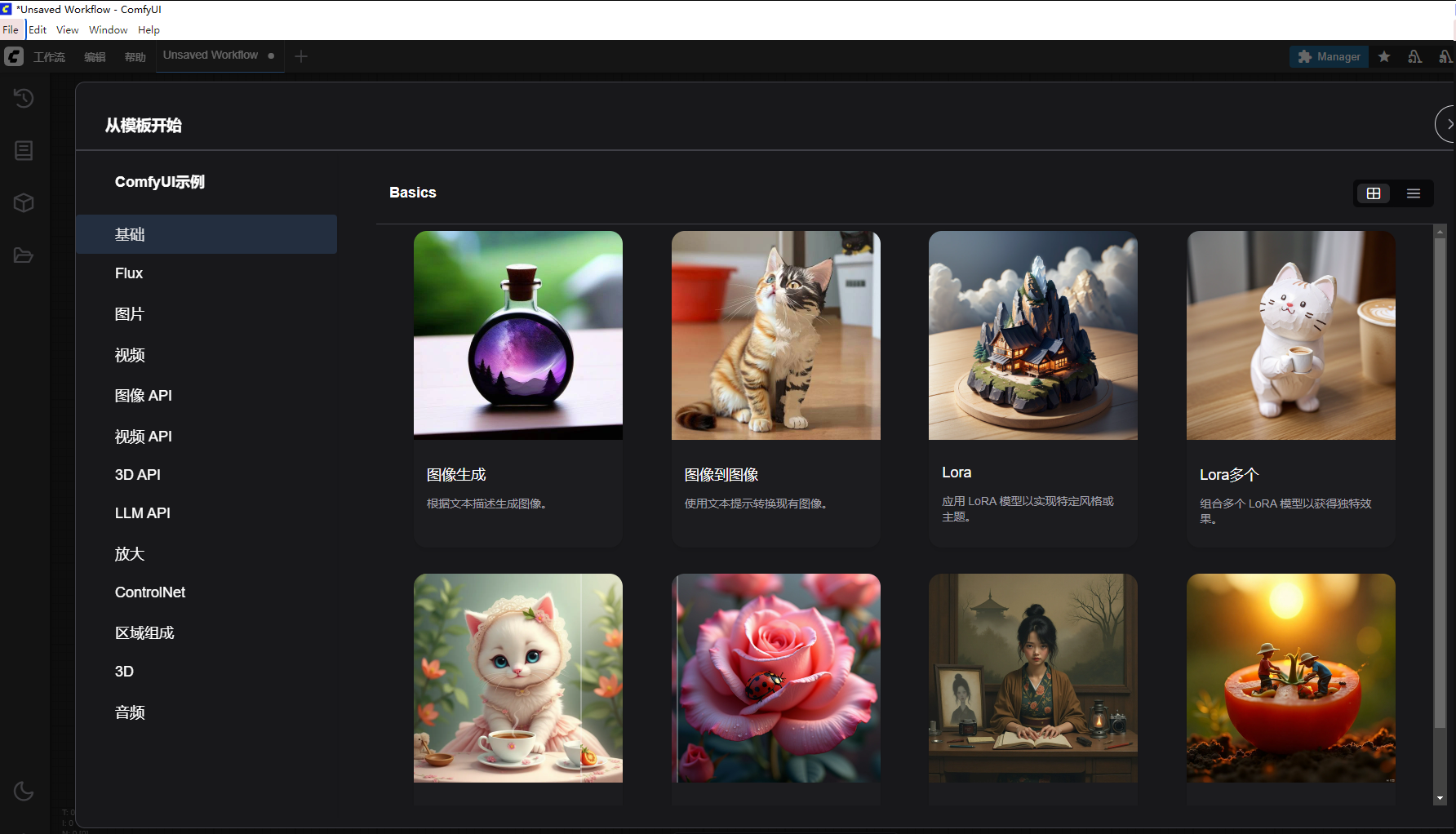
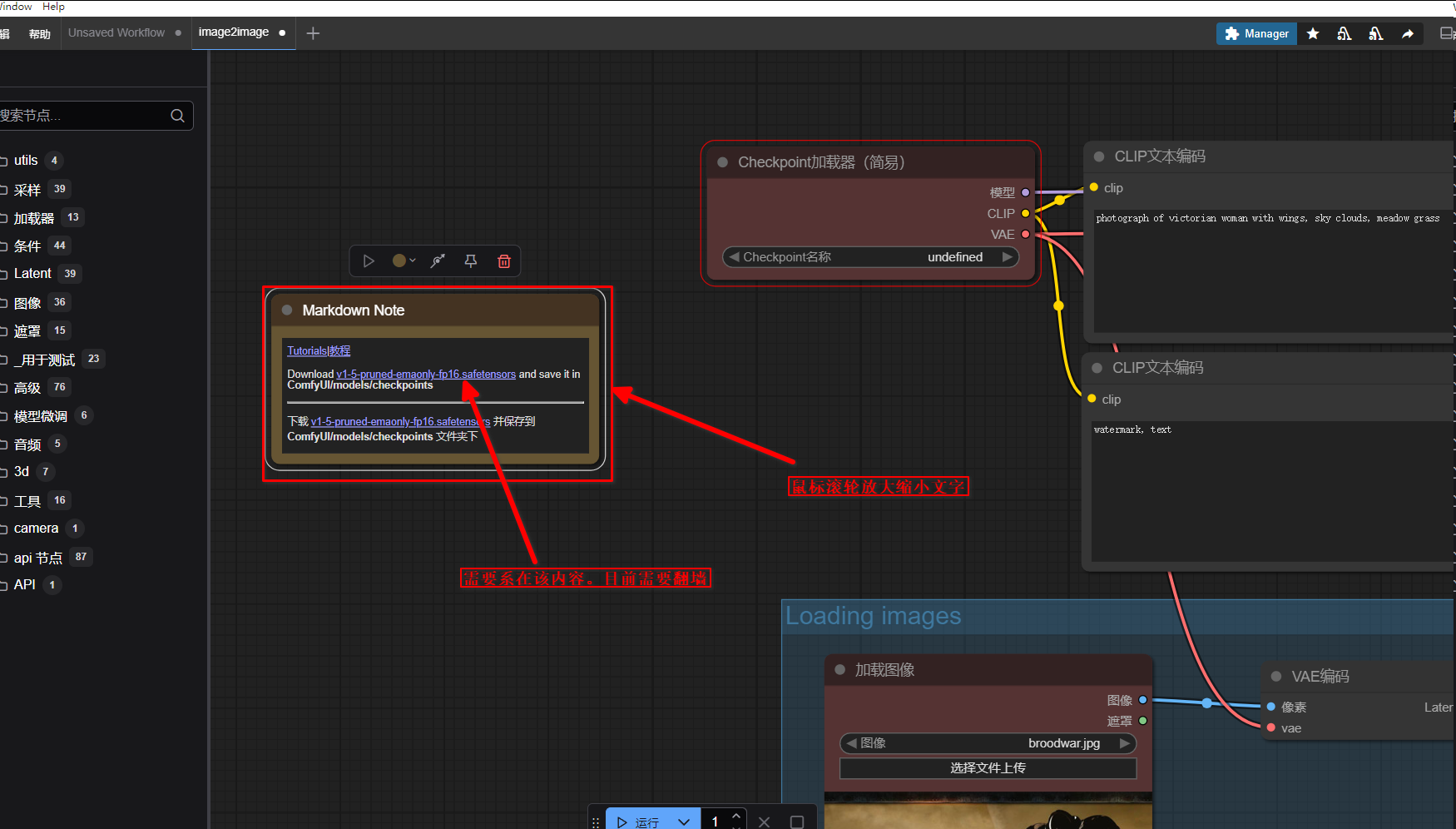
随便点一个 图像到图像。 提示每页模型。那就下载

准备开始。
鼠标滚轮可以放大缩小文字
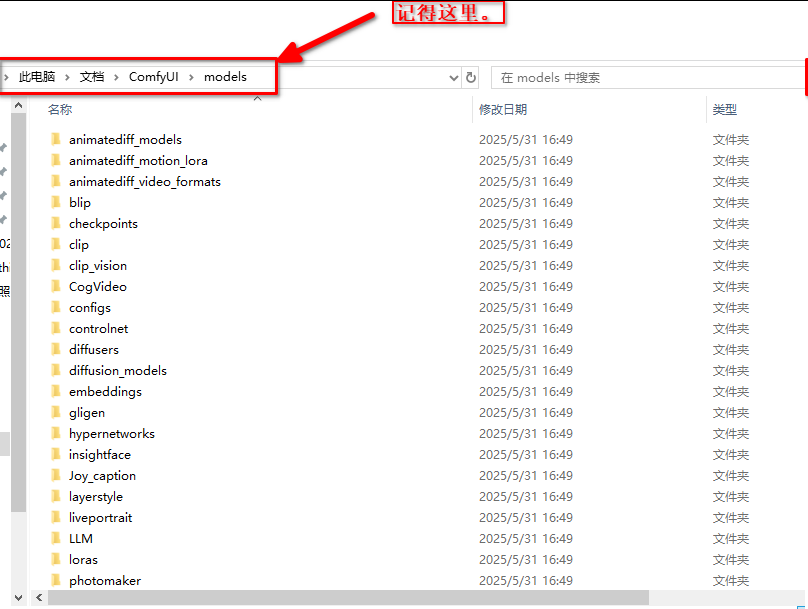
下面是使用
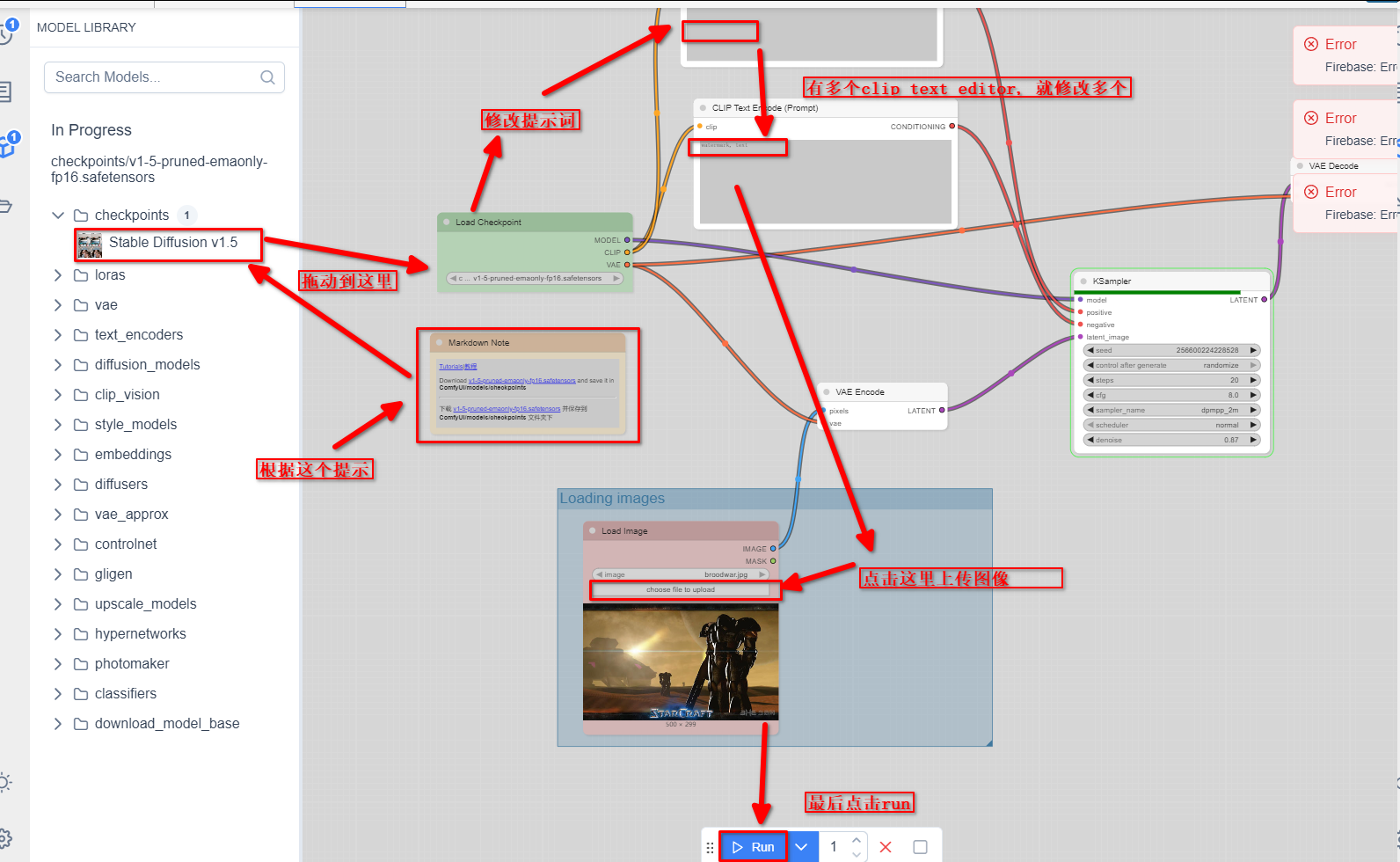
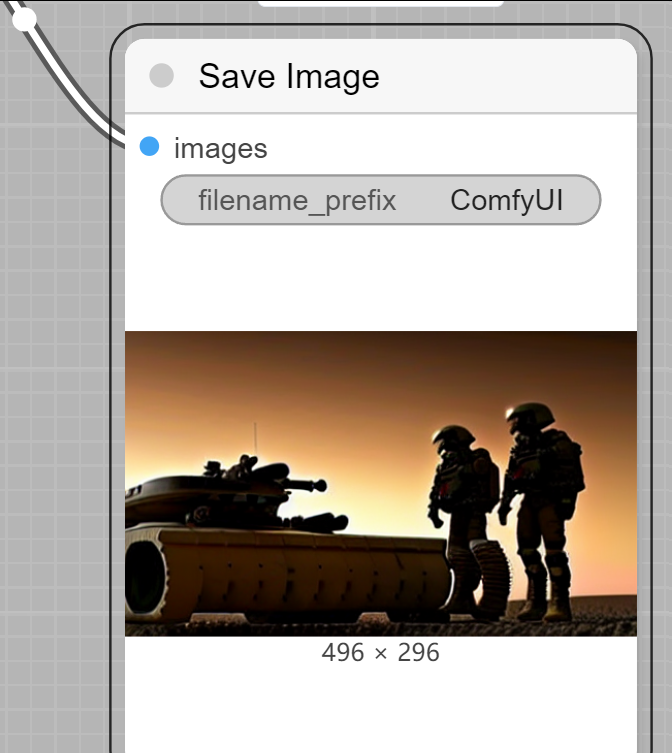
哈哈,用CPU也是挺快的, 大概不到一分钟,我没仔细看