browser - playwright的基本用法 - headless browser 无头浏览器
访问量: 913
参考:
https://playwright.dev/docs/intro#manually
安装参考:https://www.cnblogs.com/liuyanhang/p/19769674
起因
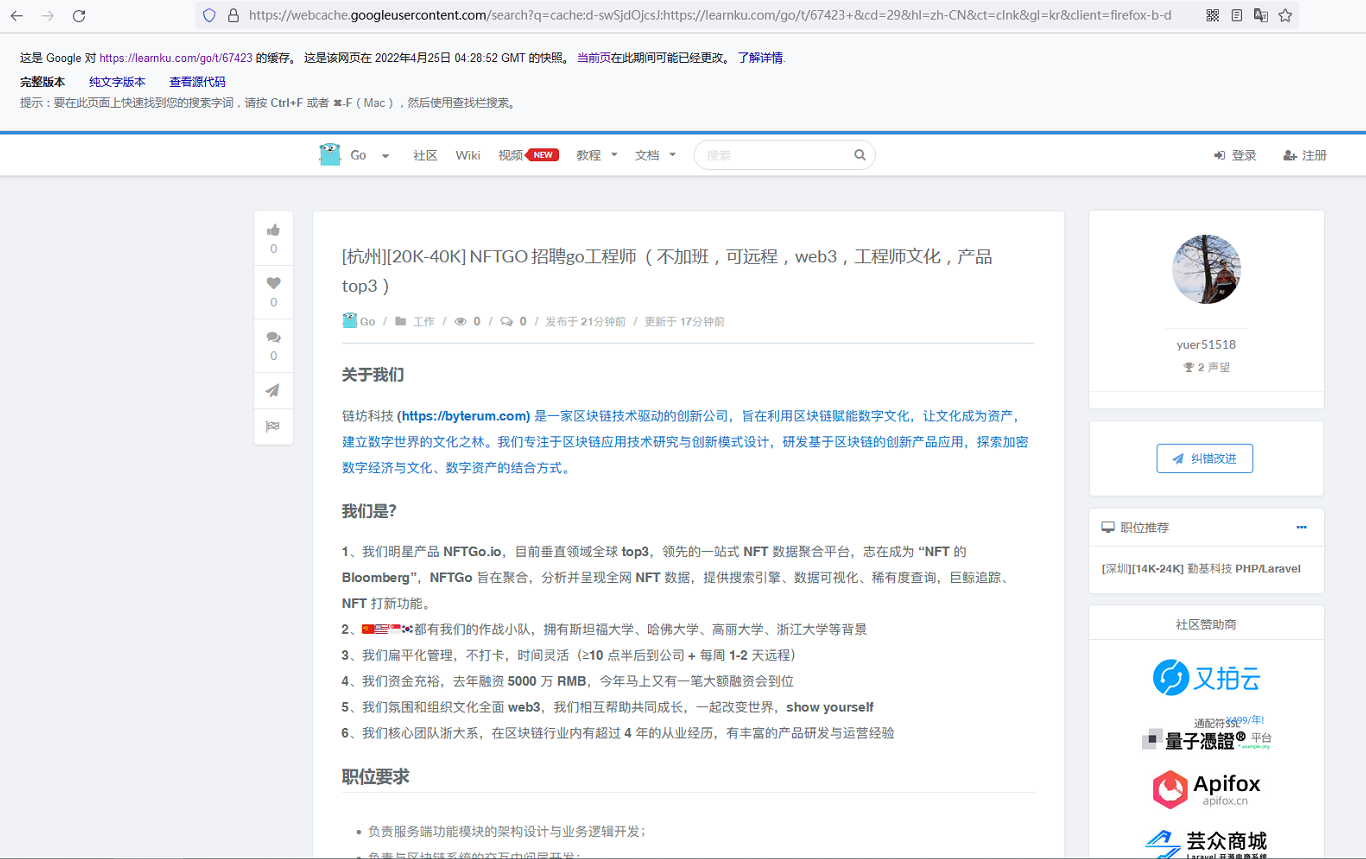
我想要nftgo.io的数据
发现这是一帮杭州人做的。。。
然后找到了这个: checklyhq , 用python脚本抓包的
https://www.checklyhq.com/learn/headless/request-interception/
其实这个正是我想要的
然后发现了 playwright
安装
(注意先进入到工作目录)
(可以先设置代理)npm config set https-proxy http://127.0.0.1:8075
npm i -D @playwright/test
npx playwright install
创建新的测试
注意:
1。 文件要以 .spec.js 结尾
2. 文件要放在 tests 目录下
sg552@SKYUSER-DSBR6H5:/workspace/playwright$ cat tests/example.spec.js
const { test, expect } = require('@playwright/test');

test('basic test', async ({ page }) => {
  await page.goto('https://playwright.dev/');
  const title = page.locator('.navbar__inner .navbar__title');
  await expect(title).toHaveText('Playwright');
});
运行
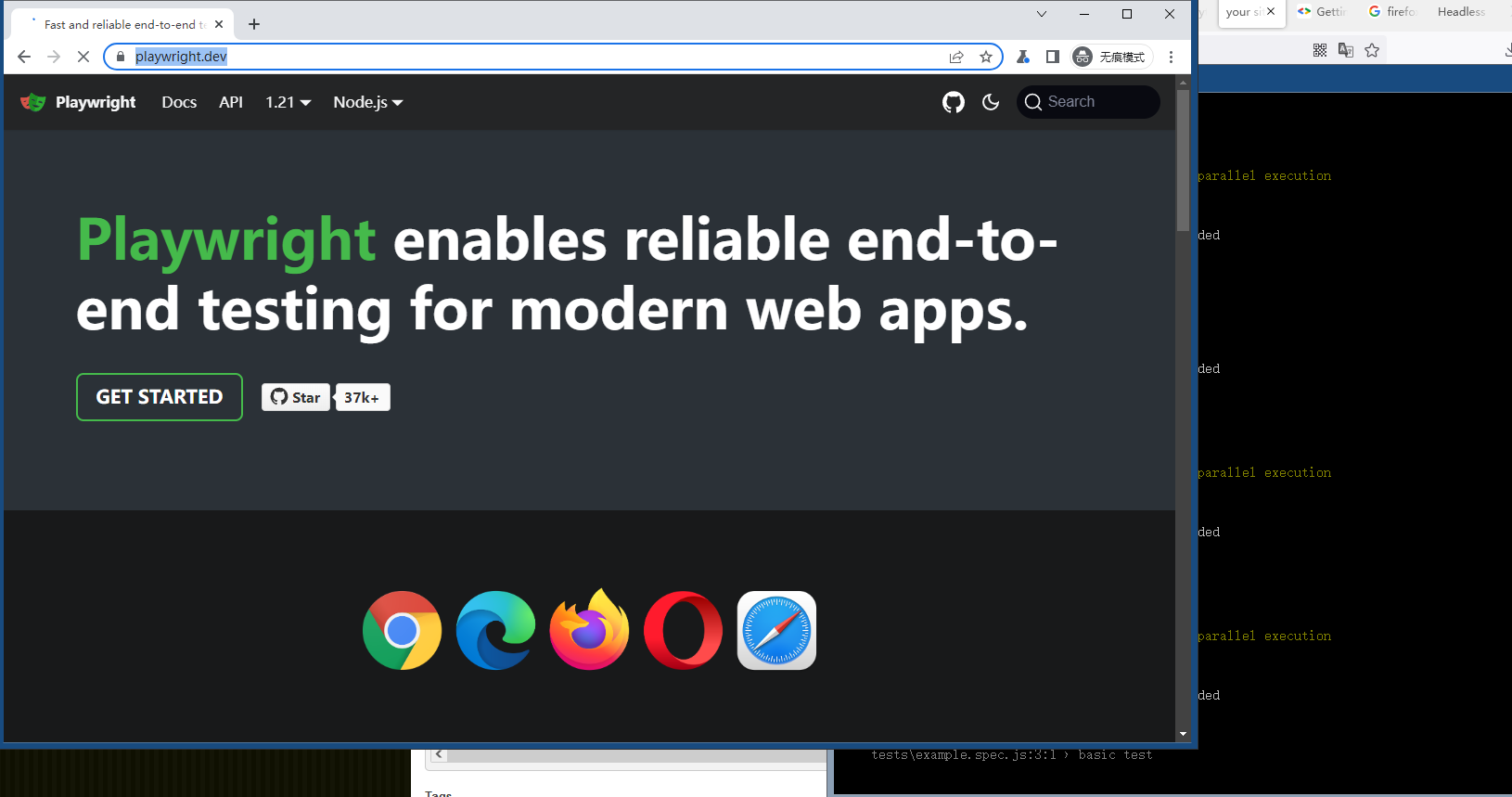
npx playwright test --headedRunning 1 test using 1 worker ok tests\example.spec.js:3:1 › basic test (15s) 1 passed (16s)
会看到一个浏览器窗口弹出来,太NB了。
如何打开页面,等待页面加载?
如何保持页面的登录状态?
如何只运行某个test 文件?
refer to: https://playwright.dev/docs/running-tests#run-specific-tests
npx playwright some_test.js
如何只运行某个文件夹?
npx playwright folder1 folder2
如何获得某个child 元素?
refer to: https://playwright.dev/docs/locators#filter-by-childdescendant
或者: page.$$
refer to: https://stackoverflow.com/questions/66702513/playwright-find-multiple-elements-or-class-names
如何根据文字获得element?
refer to: https://playwright.dev/docs/api/class-page#page-get-by-text
根据css selector 获得元素?
见下面代码
如何让页面等待?
page.waitForTimeout(3000)
得,好多内容都没了。。。
直接来个代码例子吧:
const { test, expect } = require('@playwright/test');

test('basic test', async ({ page }) => {

  // 120s 超时时间
  test.setTimeout(120000)
  // 1. 登录
  let url = 'https://passport.damai.cn/login?ru=https%3A%2F%2Fwww.damai.cn%2F'
  await page.goto(url);

  console.info("== 为了演示,该页面停留 1s")
  await page.waitForTimeout(1000)
  await page.frameLocator('#alibaba-login-box').getByText("密码登录").click()
  await page.frameLocator('#alibaba-login-box').getByLabel('请输入手机号或邮箱').fill("13.....")
  await page.frameLocator('#alibaba-login-box').getByLabel('请输入登录密码').fill(".....")
  await page.frameLocator('#alibaba-login-box').getByRole('button', {name: '登录'}).click()

  await expect(page.getByText("首页")).toBeVisible()


  // 2. 不断地刷新页面
  let url2 = 'https://detail.damai.cn/item.htm?spm=a2oeg.search_category.0.0.1f6db885HF26ws&id=747858504463&clicktitle=%E2%80%9C%E7%BE%8E%E5%A5%BD%E7%9A%84%E6%97%B6%E5%85%89%E2%80%9D%E5%9B%BD%E5%AE%B6%E5%A4%A7%E5%89%A7%E9%99%A2%E5%90%88%E5%94%B1%E5%9B%A214%E5%91%A8%E5%B9%B4%E9%9F%B3%E4%B9%90%E4%BC%9A'
  await page.goto(url2)

  //page.waitForTimeout(10000)
  //await expect(page.locator('.select_right_list_item')).toBeVisible()

  //let target1 = page.$$('.select_right_list_item')
  console.info("== 为了演示,该页面停留 1s")
  await page.waitForTimeout(1000)

  let target1 = page.getByText('120.00元', { exact: true })
  console.info("=== target1: ", target1)
  await target1.click()

  //page.waitForTimeout(10000)
  // 3. 如果可以购买了,直接点击购买
  let start_to_buy = page.locator('.buy-link')
  await start_to_buy.click()
  console.info("== start_to_buy: ", start_to_buy)

  console.info("== 为了演示,该页面停留 5s")
  await page.waitForTimeout(5000)

  // 4. 购买之后,会自动跳转到这个路径:
  // https://m.damai.cn/app/dmfe/select-seat-biz/kylin.html?itemId=747858504463&userPromotion=true&toDxOrder=true&quickBuy=0&privilegeActId=&channel=damai_app&performId=212348031&skuId=5330323643730&projectId=218328001&rtc=0
  await page.getByText('120.00元').click()

  console.info("== 为了演示,该页面停留 1s, 准备点击票价了")
  // 下面是针对 需要选座的演唱会的 操作过程: 点击票价,点击座位,购买即可
  // 建议人工选座
  await page.waitForTimeout(1000)

  await page.locator('.select-seat__container').click({position: {x: 10, y:10}})

  console.info("== 为了演示,该页面停留 1s, 准备点击票价了")
  page.evaluate( () => {
    alert("请手动选择座位")
  })

  await page.waitForTimeout(100000)
});
也可以不使用test, 直接运行脚本:
下面的脚本,会针对某个网站抓取打开该网站所访问的所有URL:
/**
 * 用来打印: 完全目标网站后所需要访问的所有URL
 * 安装:
 * 1. nodejs   (20.16.0)
 * 2. npm install playwright ( 我的是最新版本 1.45.3 )
 * 3. npx playwright install ( 安装playwright 所用到的浏览器)
 * 4. (nodejs会自动提示,我的是ubuntu 22, 所以命令为:) sudo apt-get install libatk1.0-0 libatk-bridge2.0-0 libcups2 libatspi2.0-0 libxcomposite1 libxdamage1 libxfixes3 libxrandr2 libgbm1 libxkbcommon0 libpango-1.0-0 libcairo2 libasound2
 * 5. node ~/get_request_xxx.js  就可以看到结果了。
 * 目前 CSS: 19, ...
 */


const { chromium } = require('playwright');

(async () => {
  const browser = await chromium.launch({ headless: true});
  const page = await browser.newPage();

  let cssCount = 0;
  let jsCount = 0;
  let xhrCount = 0;
  let imageCount = 0 ;
  const requestURLs = []; // 用于存储所有请求的 URL

  page.on('request', (request) => {
    const url = request.url();
    requestURLs.push(url); // 将 URL 添加到数组中
    if (url.endsWith('.css')) {
      cssCount++;
    } else if (url.match(/jpg|gif|jpeg|png/i)) {
      imageCount++;

    } else if (url.endsWith('.js')) {
      jsCount++;
    } else if (request.resourceType() === 'xhr') {
      xhrCount++;
    }
  });

  await page.goto('https://xxx.com');
  await page.waitForLoadState('networkidle');

  console.log(`CSS: ${cssCount}, JS: ${jsCount}, XHR: ${xhrCount}, image: ${imageCount}, Total: ${cssCount + jsCount + xhrCount + imageCount}`);

  // 遍历并打印所有请求的 URL
  for (const url of requestURLs) {
    console.log(`url: ${url}`);
  }

  // 等待 10 秒后再关闭浏览器
  setTimeout(async () => {
    await browser.close();
  }, 10000);
})();