java - springboot + fastjson
访问量: 78
refer to:
https://blog.csdn.net/gnail_oug/article/details/80239767
源代码:
https://github.com/sg552/springboot-demo/tree/main/fastjson-demo
1. 启动一个springboot应用。略。
2.修改对应的入口文件:
package com.study.demo;
import org.springframework.boot.SpringApplication;
import org.springframework.boot.autoconfigure.SpringBootApplication;
import org.springframework.web.bind.annotation.GetMapping;
import org.springframework.web.bind.annotation.RequestParam;
import org.springframework.web.bind.annotation.RestController;

import com.alibaba.fastjson.JSON;
import com.alibaba.fastjson.serializer.SerializerFeature;

@SpringBootApplication
@RestController
public class DemoApplication {

  public static void main(String[] args) {
    SpringApplication.run(DemoApplication.class, args);
  }

  @GetMapping("/user_to_json")
  public String user_to_json(@RequestParam String name, @RequestParam int age){
    User user = new User();
    user.setAge(age);
    user.setName(name);

    String result = JSON.toJSONString(user);

    return result;
  }

}
新增model:
package com.study.demo;
public class User {
  private String name;
  private int age;
  public String getName(){
    return name;
  }
  public void setName(String name){
    this.name = name;
  }
  public int getAge(){
    return age;
  }
  public void setAge(int age){
    this.age = age;
  }
}
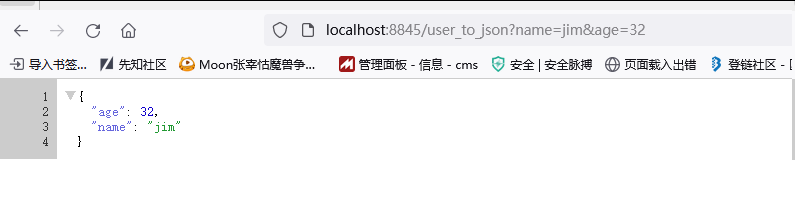
启动,http://localhost:8845/user_to_json?name=jim&age=32
可以看到,这是一个 正向序列化 ( object -> string )
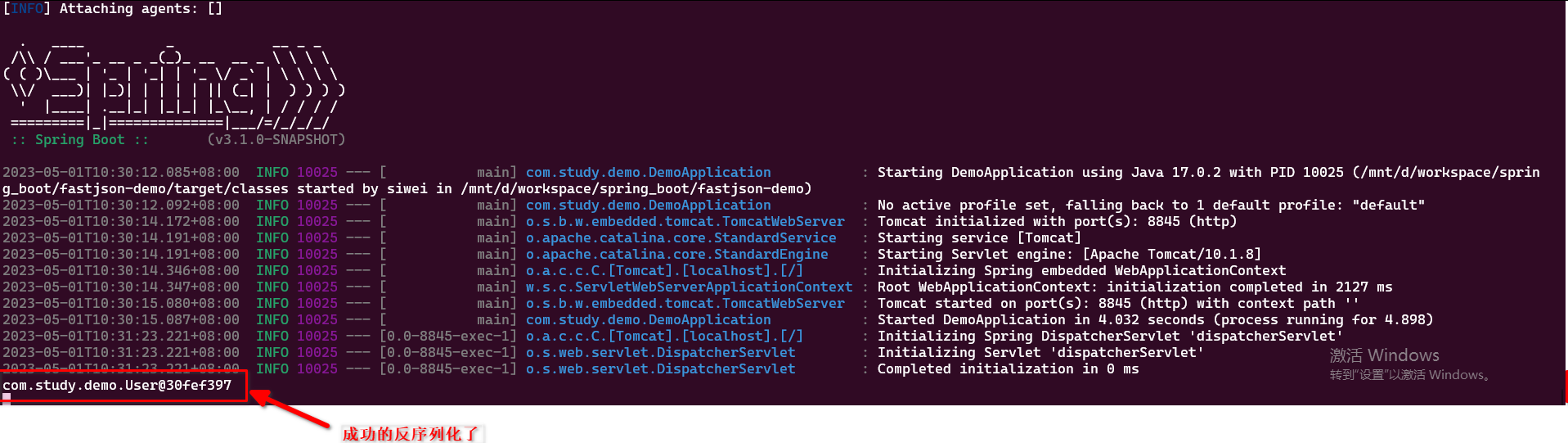
反向序列化:( string -> object )
  (入口.java文件中增加)

  @GetMapping("/json_to_user")
  public String json_to_user(@RequestParam String json){
    String rawString = "{\"@type\":\"com.study.demo.User\",\"name\":\"fromJsonJim\",\"age\":33}";
    System.out.println(JSON.parse(rawString));
    return "ok, check the console";
  }
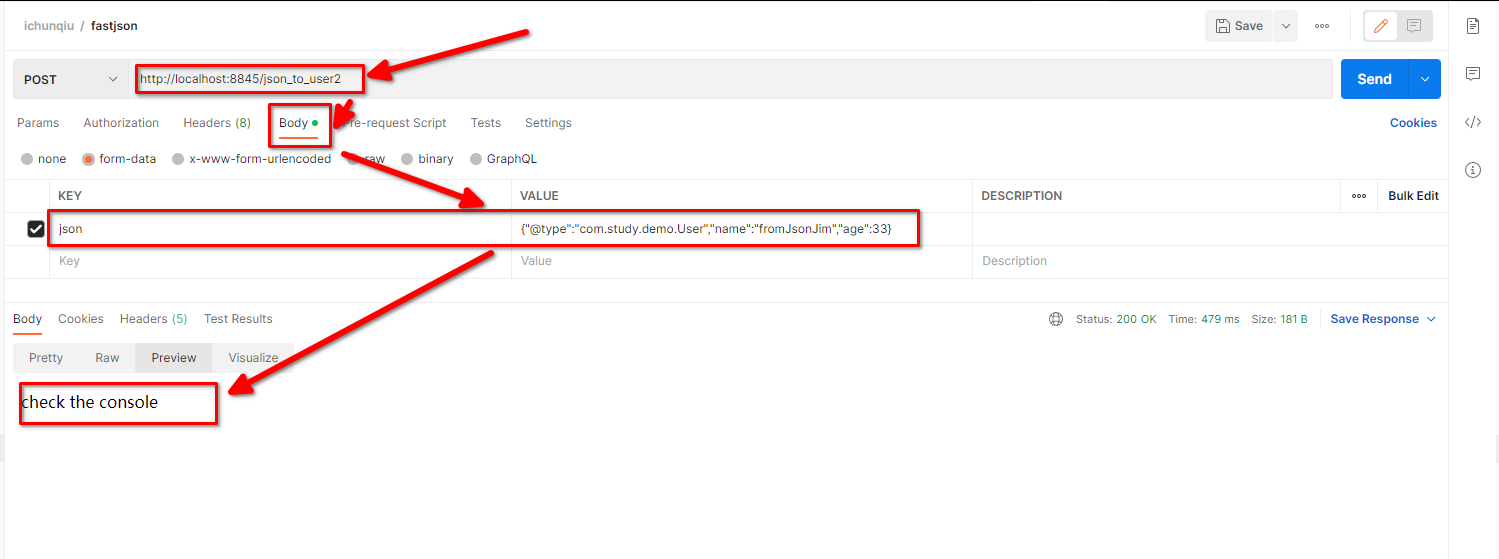
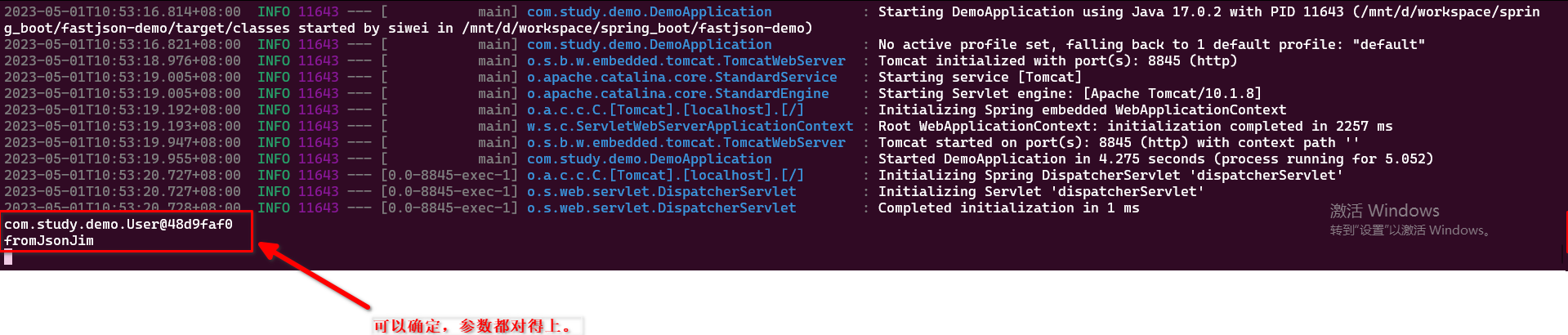
使用POST形式接收json参数( 因为使用GET会报错,无法通过寻常的方式传入", @ 这样的字符)
修改源代码:
  @PostMapping("/json_to_user2")
  public String json_to_user2(@RequestParam String json){

    System.out.println(JSON.parse(json));
    User user = (User)JSON.parse(json);

    System.out.println(user.getName());
    return "check the console";
  }
使用POSTMAN: